









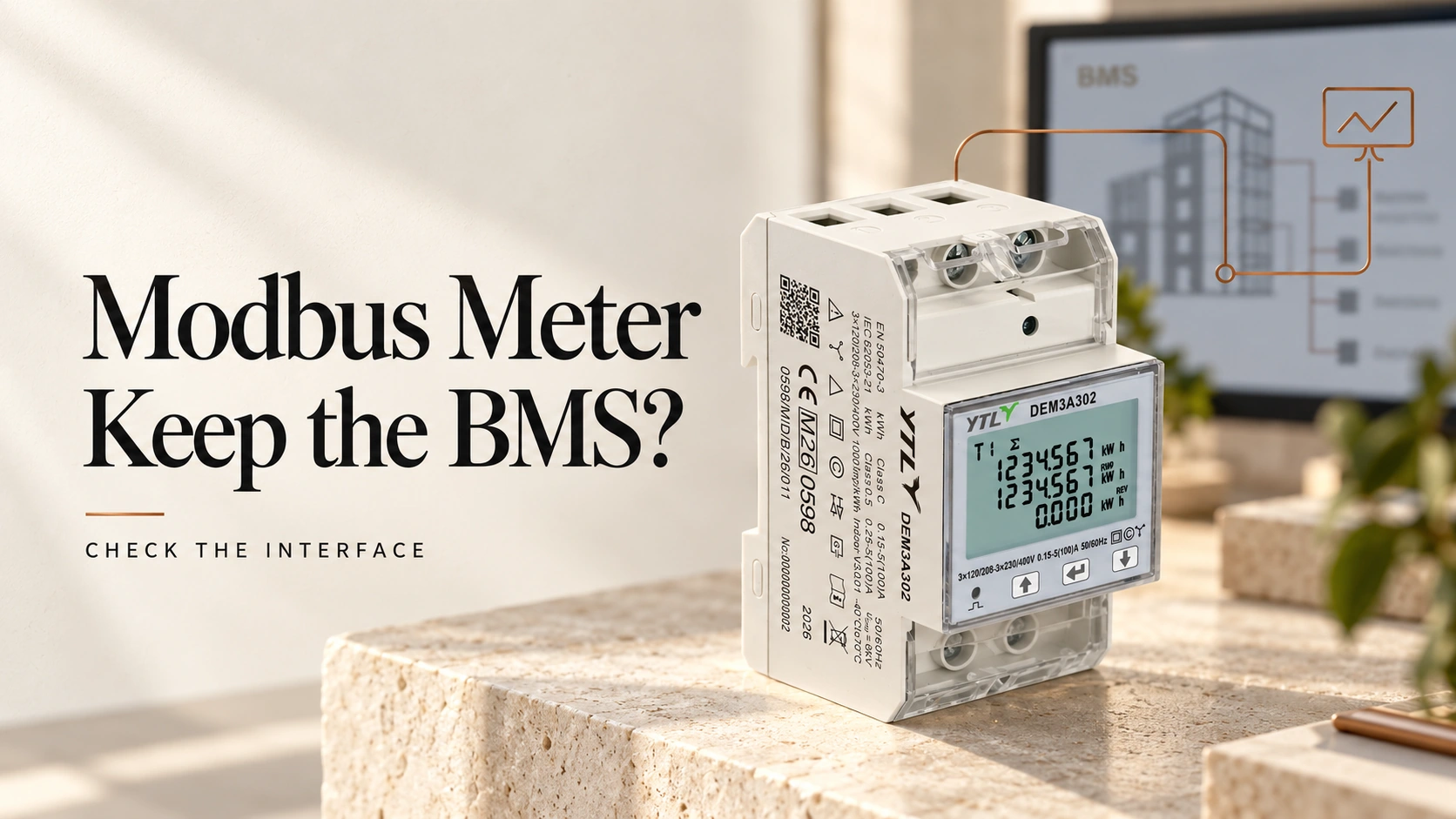
Yes, provided the new meter answers the requests the building management system (BMS) already sends and returns each value in the format its points expect. When an old meter has failed and the panel is back in service, nobody wants to reopen the BMS project for the sake of one energy reading, and with the right replacement nobody has to.
A Modbus label does not settle it: the Modbus application protocol specification leaves the mapping between registers and measurements to each manufacturer, so two compliant meters can hold the same total at different addresses and in different formats. Settings on the new meter or a gateway may still need changing; what you need to know before ordering is whether those devices can reproduce the interface the BMS relies on.
What Does Keeping the BMS Configuration Mean?
The BMS keeps its device connection and polling requests, along with every point definition and the units and scaling attached to it. A gateway between the meter and the BMS gives you a little more room: its meter side can change, as long as its mapping keeps what it presents upstream exactly as before.
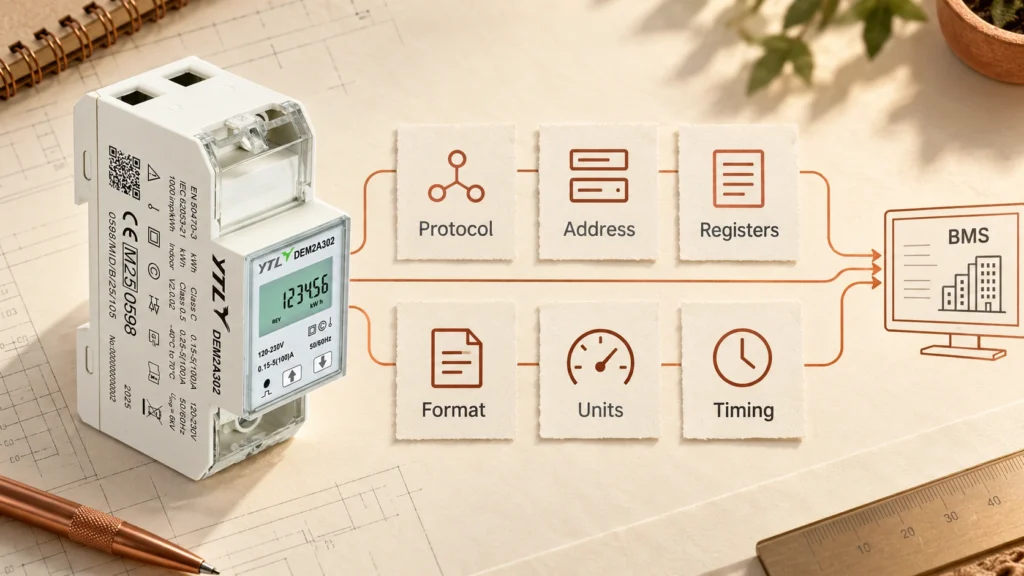
What Must Match Between the Old and New Meter?
Start from what the BMS does today, as recorded in its point list, polling configuration or driver, rather than from the old meter’s datasheet. We would check a same-model replacement too, because a different variant, firmware version or register-map revision can move or redefine a point, and compare every request for a different model or brand.
| Detail | What to check |
|---|---|
| Protocol and route | A Modbus RTU meter has to fit the existing RS485 line; moving to Modbus TCP changes the connection itself. |
| Device address and serial settings | Match the expected address and serial settings (baud rate, parity and stop bits), and reuse the old address only once the old meter is off the bus. |
| Function code and register address | Each point must be readable with the function and address the BMS already sends. |
| Data type, register count and word order | The reply has to decode correctly in the integer or floating-point format the point is set up for. |
| Units and scaling | A Wh total read into a kWh point is out by a factor of 1,000, so check any scaling already applied upstream. |
| What the value measures | The new meter must supply the quantity the point was built for, since imported, exported, net and combined energy are not interchangeable. |
| Block reads and timing | Every register inside an existing block read must be readable, and the meter must reply within the configured timeout. |
Address Offsets and Word Order
These mistakes are the awkward ones, because they often pass without any communication error: the meter replies and the BMS shows a believable but wrong number. Register references conventionally start at 1 while the address inside a request starts at 0, so holding register 41000 travels as offset 999, as the Modbus Organization explains. Compare the offsets the BMS actually sends rather than the numbers printed in either manual. Values wider than 16 bits add word order, which the standard leaves open, so manufacturers split 32-bit values across two registers in different orders.
Block Reads
A block read fails loudly instead. If the BMS collects three points with one request covering twenty registers, the replacement has to accept the whole request, including addresses no dashboard shows. A meter that does not recognise one address in the range will normally reject it with an exception, and all three points go blank at once. Annoying, but at least you will notice.
Where Should You Make the Change?
Make each change in the device that can absorb it without losing data, working outwards from the new meter: its own settings first, then the gateway mapping, and the BMS last.

On the New Meter
If the register definitions already match, set the address and serial parameters to suit the bus and verify the readings, and the BMS can stay as it is. Some meters also offer a configurable register map; if the replacement documents one, check whether its address, format and scaling options can reproduce the layout the BMS expects.
In the Gateway
A gateway can hide a different register layout from the BMS only if it performs register mapping and value conversion. A unit that just converts Modbus TCP to RTU passes requests straight through, so the new meter still has to answer them exactly as the old one did. If the gateway does map, compare what it reads from the new meter with what it must present upstream, including units, scaling and measurement meaning, and record the changed gateway configuration next to the unchanged BMS points.
In the BMS
When neither the meter nor the gateway can present the data as expected, revise the BMS mapping or device driver and list the affected points and calculations in the change record, so whoever approves the change can see its scope. Remapping cannot create a measurement the meter does not provide, so a missing quantity means another model or a revised measurement requirement.
How Do You Confirm the Replacement Works?
Treat the existing point list as the acceptance record: going through it point by point is tedious, but it is the record you will want if anyone later questions the figures.
- Record the old meter’s final readings, serial number and removal time, with the new meter’s identity and starting readings.
- Compare each point the installation uses against the new meter’s own display, phase by phase where the BMS reads phase values.
- Check import and export separately where both are required, and confirm that the point labels match the documented registers.
- Over an agreed interval, compare the change in accumulated energy in the BMS trend or report, not only on the live screen.
- Interrupt communication or restart the meter as agreed, check that polling recovers, then save the accepted settings and point mapping for the next replacement.
The swap also leaves a seam in the energy history: a report that subtracts consecutive cumulative readings will count the jump from the old meter’s last total to the new meter’s first as consumption. Set a new baseline at the changeover before that interval feeds any consumption figures.

Which YTL Meter Fits the Existing Circuit?
The circuit narrows the choice before the register map does, and in an existing panel the module width matters as much as the current rating, since the new meter has to fit the old one’s gap on the rail.

| Existing circuit | YTL meter | Maximum current | Width on the rail |
|---|---|---|---|
| Single-phase, direct-connected | DEM1E302 | 45 A | 18 mm |
| Single-phase, direct-connected | DEM2A302 | 100 A | 36 mm |
| Three-phase, direct-connected | DEM3A302 | 100 A | 54 mm |
| Three-phase, CT-operated | DEM3K302 | 5(6) A CT input, CT ratio up to 2000:1 | 54 mm |
All four use RS485 with Modbus RTU and accept addresses 1 to 247, baud rates from 9.6 to 115.2 kbps and none, odd or even parity, so compare those with the existing line. The register map is a separate question that only the map for the exact model and firmware can answer, so ask for it before you commit. If you are planning a new sub-metering scheme rather than replacing one meter, our guide to DIN-rail meters for C&I energy management is the better starting point.
For a replacement enquiry, send us the installed meter’s model and firmware version, the circuit details, the BMS point list and any gateway details, with the quantity you need. Tell us which BMS settings must stay as they are, because that decides which differences matter.
FAQs
Can You Approve a Replacement Without the Old Register Map?
Yes, if you can recover the exact requests, decoding and scaling from the BMS configuration or driver, compare them with the replacement’s documentation and then verify the resulting values. A list of point names is not enough, because it does not show how the system acquires or interprets each reading.
Can the New Meter Carry Over the Old Meter’s kWh Total?
Only if the exact model documents a permitted way to set that counter, and a reset function is not the same as being able to enter an arbitrary starting total. Where the total cannot be carried over, record both meters’ readings and use the reporting system’s own baseline method.
Do Scheduled Write Commands Need Checking Too?
Yes, because start-up and scheduled writes can reconfigure or reset a meter, and correct readings say nothing about whether those commands suit the new one. Match each command’s address, function, value format and purpose against the new meter’s documentation before you enable it.
Sources
- MODBUS Application Protocol Specification V1.1b3, Modbus Organization: why the mapping between registers and measurements differs from one manufacturer to the next.
- MODBUS over Serial Line Specification and Implementation Guide V1.02, Modbus Organization: device addressing and the serial settings a replacement has to match.
- An Introduction to Modbus, Modbus Organization: register references against message offsets, and the word orders manufacturers use.
