









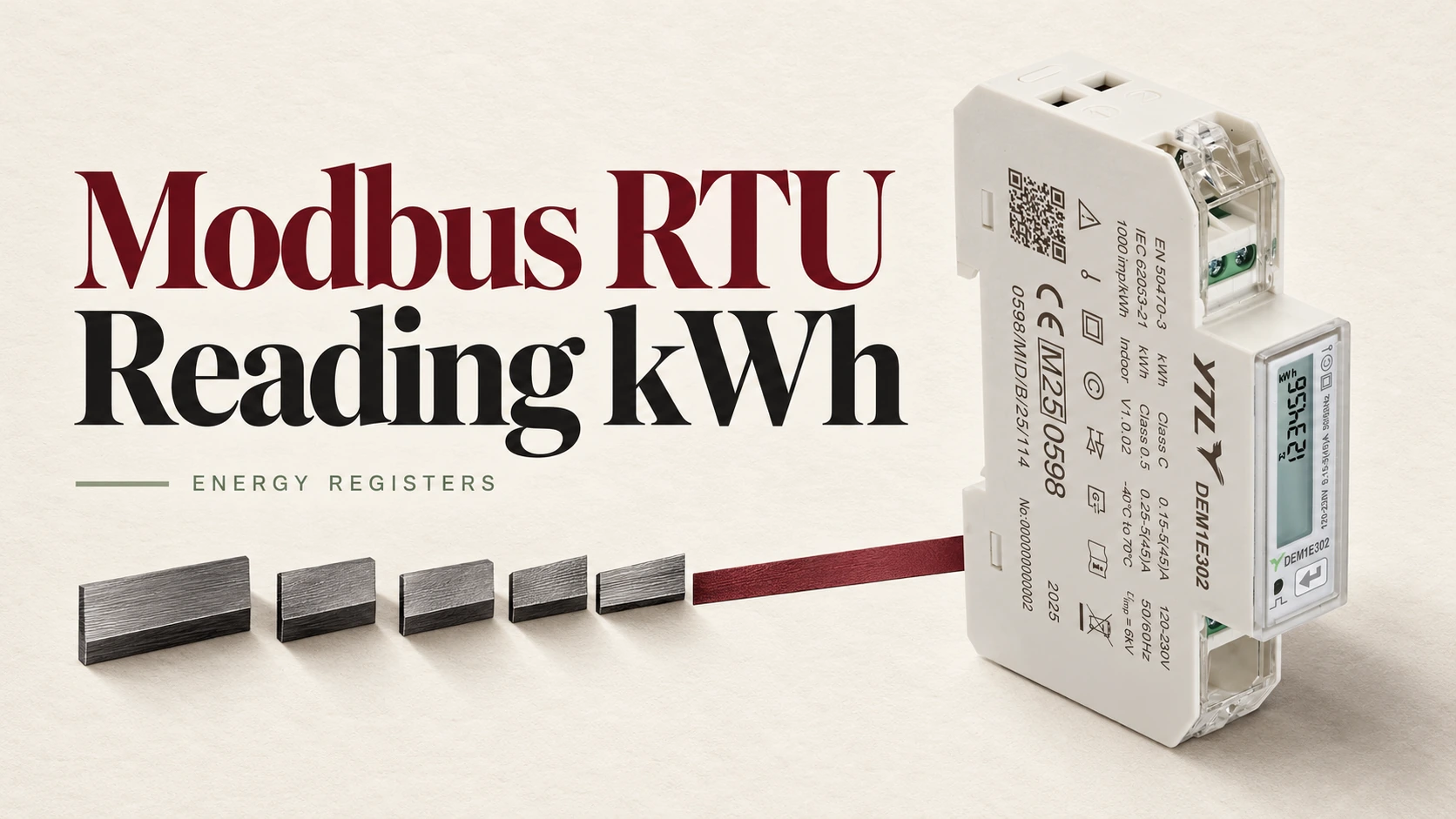
To read kWh from a Modbus RTU energy meter, match its serial settings, request the documented energy register, decode the reply with the stated data type, word order and scale, and check the result against the meter’s display. Getting the meter to answer is usually the quick part; knowing which number came back, and in what format, is where the time goes. So work from the register map for the exact model and firmware version, and don’t sign off the controller or building management system (BMS) integration until one sample reading agrees with the meter.
Decide Which kWh Counter You Need
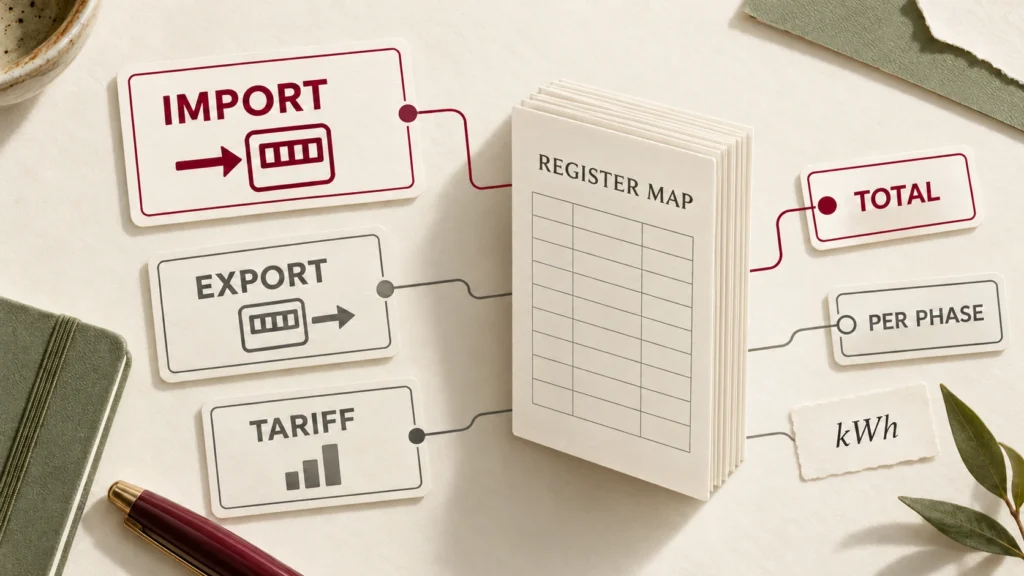
Pick the counter before you pick an address, because a meter can hold several activeDecide Which kWh Counter You Need-energy totals: import or export, whole-meter or per phase, all tariffs or a single tariff, resettable or not. On a meter with time-of-use tariffs and more than one accumulation mode, two counters that both look like “total energy” can disagree as soon as energy flows in both directions. Take the meaning from the manufacturer’s map rather than from the label.
Keep power and energy apart while you’re at it: kW is power at the moment of measurement, kWh is energy accumulated over time. If the receiving system needs interval consumption, log timestamped readings of one cumulative counter and give the tag a name nobody can misread, such as “total imported active energy, kWh”.
Set Up the RTU Connection
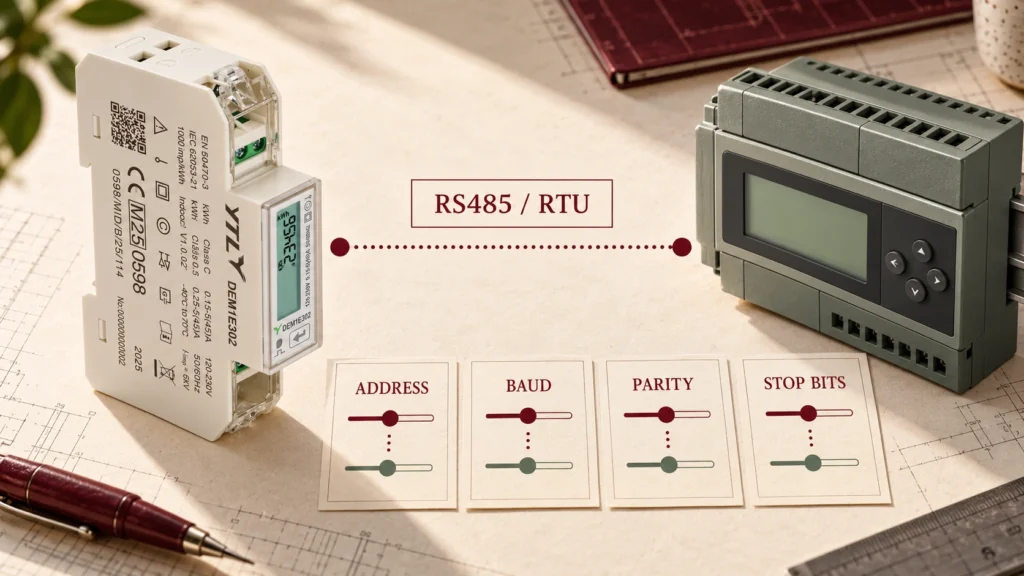
Match the controller to the serial settings configured in the meter (device address, baud rate, parity and stop bits), reading them from the meter rather than trusting a default. The Modbus serial-line specification makes 19.2 kbps with even parity the default, but meters don’t all ship that way; our own DEM1E datasheet, for one, gives 9600 bps. Every device on the line needs its own address, and the wiring, signal common and termination follow the equipment manuals.
An RS485 terminal only tells you about the physical connection, so confirm that the exact meter version speaks Modbus RTU. Then read one documented energy value before you build anything on top of it, so that any later error can only come from the tag conversions.
Turn the Register Map Into a Read Request
Configure the read from the complete register entry, not just the address: the function code selects the register area, and the data format decides how the returned words become a number.
| Register-map field | What to enter or confirm |
|---|---|
| Measurement | The energy quantity you need, including direction and total or tariff scope |
| Read function | The documented function, such as 03 for holding registers or 04 for input registers |
| Starting address | The numbering base and the address convention your tool expects |
| Register count | Every word that makes up the value |
| Data format | Signed or unsigned integer or floating point, with the documented byte and word order |
| Unit and scale | The conversion that produces the stated engineering unit |
Get the Address Convention Right
A reference such as 40001 is not necessarily what your tool wants: references start at 1 while the address inside the message starts at 0, so holding register 40001 goes out as address 0, as the Modbus Organization explains. Check whether your tool’s address field wants a reference, a zero-based offset or a raw hexadecimal address before you blame the meter.
Read the Whole Value, Then Scale It Once
A Modbus register holds 16 bits, so read every register of an energy total in one request; two separate reads can catch the counter between updates and stitch together halves of different values. Don’t assume every kWh value is a two-register float either; decode the raw value as the map specifies, then scale it. An integer with 0.01 kWh resolution is multiplied by 0.01, while a float already in kWh is used as it stands unless the map says otherwise. Apply the conversion in one place only, or sooner or later it gets applied twice.
A Worked kWh Register Example
The map entry here is made up for the exercise, so please don’t use its address on a real meter. Say the map lists total imported active energy at hexadecimal address 0x0200 (512 decimal) as four registers forming one unsigned 64-bit integer, most significant word first, read with function 03, with a resolution of 0.01 kWh. In a tool that takes raw protocol addresses you’d select function 03, address 512 and a count of 4, with the meter’s own device address and serial settings; a tool that expects a one-based reference needs the address converted its way.
Suppose the reply carries these four words:
- 0000 0000 0001 E240
Joined in the documented order, they give:
- Raw unsigned value = 0x000000000001E240 = 123456
- Active import energy = 123456 × 0.01 = 1234.56 kWh
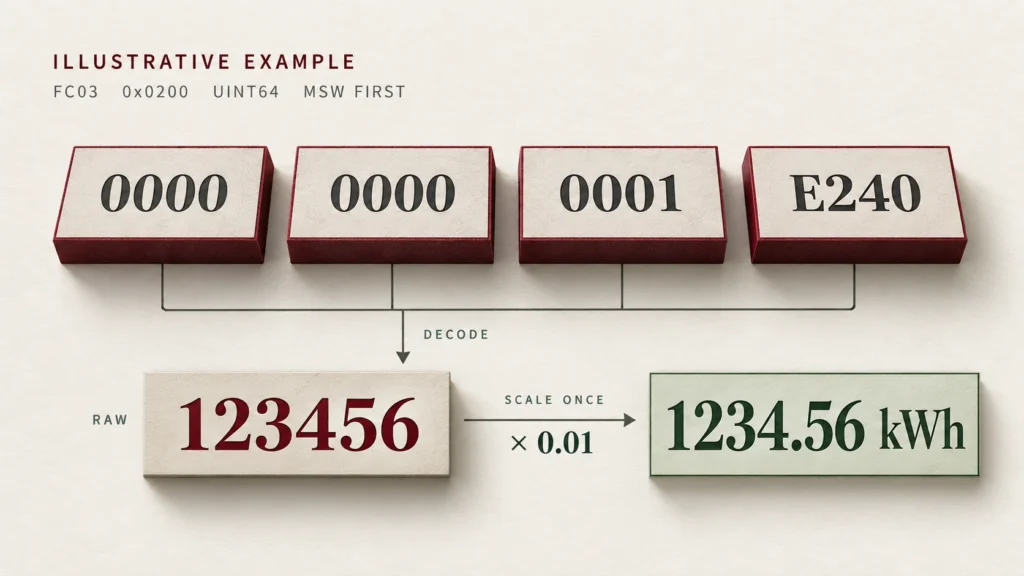
Keep the raw words next to the decoded figure while you validate the set-up, because they show whether a later fault lies in the request or in the decoding.
Why a Valid Response Can Still Give the Wrong kWh
When the meter answers but the number is implausible, check how you’ve read it before you touch the communication settings.
| What you see | What to check next |
|---|---|
| An implausibly large, tiny or unstable number | Data type, register count, byte and word order, and any invalid-value markers defined in the map |
| A steady factor of 10, 100 or 1,000 | The documented unit and scale, including a second conversion in the dashboard |
| A plausible value that disagrees with the display | Import or export selection, tariff or phase scope, and whether the display shows the same counter |
| Zero despite expected consumption | The raw response, the selected quantity and the meter’s own display; keep communication failure separate from a measured zero |
A Plausible Number With the Wrong Word Order
A plausible-looking number does not prove the word order is right, since manufacturers order multi-register floating-point values differently and the standard sets no rule, as the Modbus Organization notes. Use the order the map specifies and confirm it against the display.
A CT Ratio Applied Twice
On a CT-operated meter, check where the CT ratio is applied: if the energy register already reports the primary-side quantity and the controller multiplies by the ratio again, every reading comes out inflated by that ratio. Confirm from the map which side each register reports, and note in the tag configuration where the ratio is applied.
Verify the Reading Before You Log It
Compare the decoded value with the meter’s display for the same counter and unit, noting the times and the display resolution, then repeat once enough energy has accumulated to move the display. Agree the tolerance with the project team based on that resolution and the test conditions, and allow for any gap between the two readings.
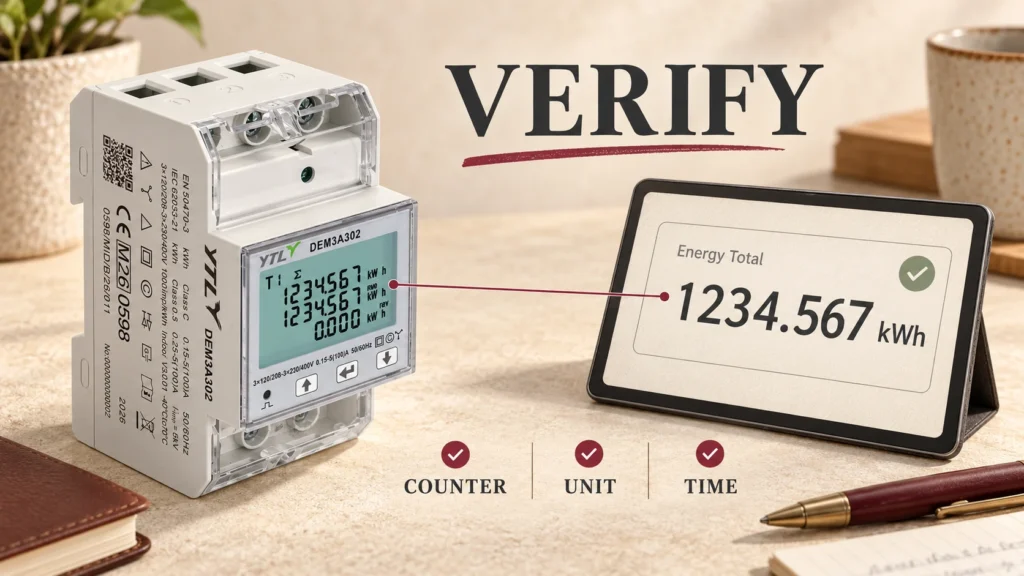
For the handover, keep:
- the raw words and decoded kWh, with timestamps
- the meter model, firmware version and register-map revision
- the serial settings, read function, address, register count, word order and conversion
- the controller configuration
That record is the page you will want when the controller is replaced, so check that it still applies before you reuse it on a different meter.
FAQs
How Do I Calculate Interval Energy From Two Readings?
Subtract the earlier cumulative reading from the later reading of the same counter, for example 1236.06 – 1234.56 = 1.50 kWh of imported active energy. The result is only valid if the counter ran continuously, so before accepting an unexpected negative result, check for a reset, a rollover, a meter replacement or a configuration change.
Can I Recover Energy Data After a Communication Interruption?
Partly: the difference between the last valid total before the gap and the first valid total after it gives the net change across the gap, provided the meter kept counting without a reset or rollover. That figure can’t show how the energy was spread across the missing intervals, so flag those intervals as missing rather than filling them with measured zeros.
Reading kWh From a YTL DIN-Rail Meter
Our standard DIN-rail energy meters with RS485 and Modbus RTU come in four versions, one for each common connection:
- DEM1E302: single-phase, direct-connected, up to 45 A
- DEM2A302: single-phase, direct-connected, up to 100 A
- DEM3A302: three-phase, direct-connected, up to 100 A
- DEM3K302: three-phase, CT-operated, CT ratios up to 2000:1
On all four the counter choice matters: they run four time-of-use tariffs and several accumulation modes, including forward only, reverse only, absolute value (forward plus reverse) and algebraic sum (forward minus reverse). Decide which total the controller should log before you look up its address. They accept Modbus addresses 1 to 247 and baud rates between 9.6 and 115.2 kbps. The DEM3K302 also stores its CT and PT ratios in the meter, so settle the primary-side question above from the map before the controller multiplies anything.
Ask for the register map that matches your model and firmware when you request a sample, and check a sample reading against the meter’s display before you place a batch order. When you contact the YTL team, include the controller or BMS specification, the circuit phase and current, the kWh quantities you need and the destination country, along with sample and expected order quantities.
Sources
- MODBUS over Serial Line Specification and Implementation Guide V1.02, Modbus Organization: the default serial settings and unique device addresses.
- An Introduction to Modbus, Modbus Organization: how 40001-style references map to zero-based addresses, and why multi-register values arrive in different word orders.